Rates management is the one place to see all your negotiated and fixed rates, plus any spot rates you've saved.
Open a negotiated or fixed rate to see the weekly allocation and the container price breakdown or the cargo weight breakdown for less than container load and air.
To book a shipment, select the rate, check the pricing details, and create the booking. You can complete the booking yourself, and on a fixed rate, you pick the allocation week, review, and submit.
Confirms bookings placed against a rate automatically and attaches the quote as a PDF for your records.
You don't need to accept the quote again.
This booking has already gone through, and it shows as confirmed.
Rates management does a few other things too.
You can build and edit booking templates, including the services you want attached to each one.
Share a rate with your shipper, and they'll get an email as soon as it goes out.
If you only have a fixed rate, you can request freight all kinds or FAK pricing.
That tells your account executive or AE to procure a rate for you.
You can also send feedback to Flexport, and it goes straight to your account manager or AE.
To download your rates as a CSV, select them, choose download, and switch the currency first if you need to.
Back in the booking, if you're not ready to fill in the form yourself, save it as a draft and assign it to your shipper, who then gets a task to finish it.
If any booking details change after you've submitted, you'll get a notification.
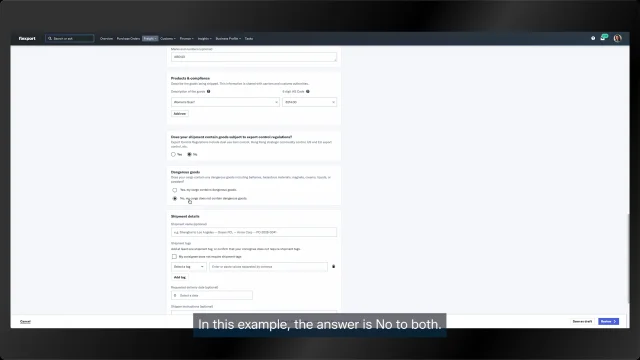
Over in bookings, the new booking form lets you add your purchase orders.
Set your role in the transaction, choose container sizes, say whether it's a fulfillment shipment, and add destination addresses.
Then save it as a draft or submit the booking.
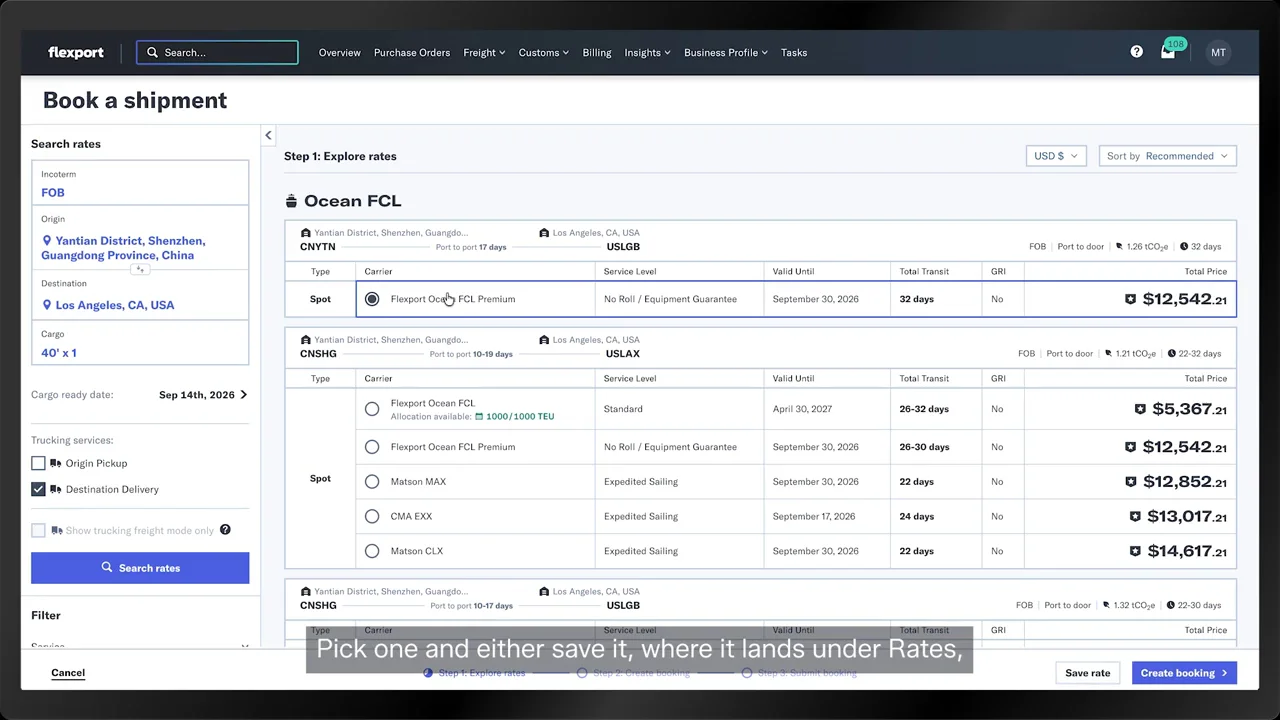
Instant pricing still works, so you can search for rates beyond the ones Flexport has already procured for you.
The spot tag shows you which rates are spot rates and which ones Flexport procured.
Pick one and either save it, where it lands under rates, or create the booking right away.
Just like before, you can finish it yourself or assign it to your shipper.